Every order, tracked from yes to the living room
Web, floor, and phone sales become one order. Special orders, quotes, delivery runs, and returns all live in the same record — not four systems you have to reconcile by hand.
It doesn't matter where the sale happened
A furniture sale can start on the floor, finish online, and change over the phone twice before delivery. One Tap treats that as one order the whole time, not three disconnected transactions.
- A sale rung on the floor, placed online, or taken over the phone lands in the same order queue
- Every line item carries its own status — in stock, on order, backordered, delivered
- The order itself always shows the status of its slowest line, so nothing marked “complete” actually isn't
Website
Sale starts online, in a quote, or a phone call
Register
Rung on the floor, financed, deposited
Warehouse
Received, staged, loaded for the route
Doorstep
Delivered, signed, balance settled
The spine that most systems don't have
Furniture retail runs on special orders — and most software treats them as an afterthought. One Tap gives them a real workflow, end to end.
Auto-split to POs
One order with three vendors becomes three purchase orders, generated automatically.
Procurement queue
Every special order sits in a single queue your team can work top to bottom.
Milestone tracking
Ordered, in production, shipped, received at the warehouse — tracked line by line.
Track-my-order page
Customers check status themselves on a public page — no “where's my sectional” calls.
Turn a conversation into a paid order
Build a quote with the same POS-style builder your team already uses at the register, then send a locked invoice link the customer can pay online.
- Build a quote the same way you'd ring a sale — same catalog, same pricing, same configurator
- Send a locked invoice link the customer can pay online, no register visit required
- Abandoned-cart tracking follows the shopper, not the session — it closes the moment they convert, in store or online
A quote today, an order tomorrow
Nothing re-entered, nothing re-priced. A quote a customer sits on for a week becomes the order the moment they say yes.
Run the trucks the way you actually run them
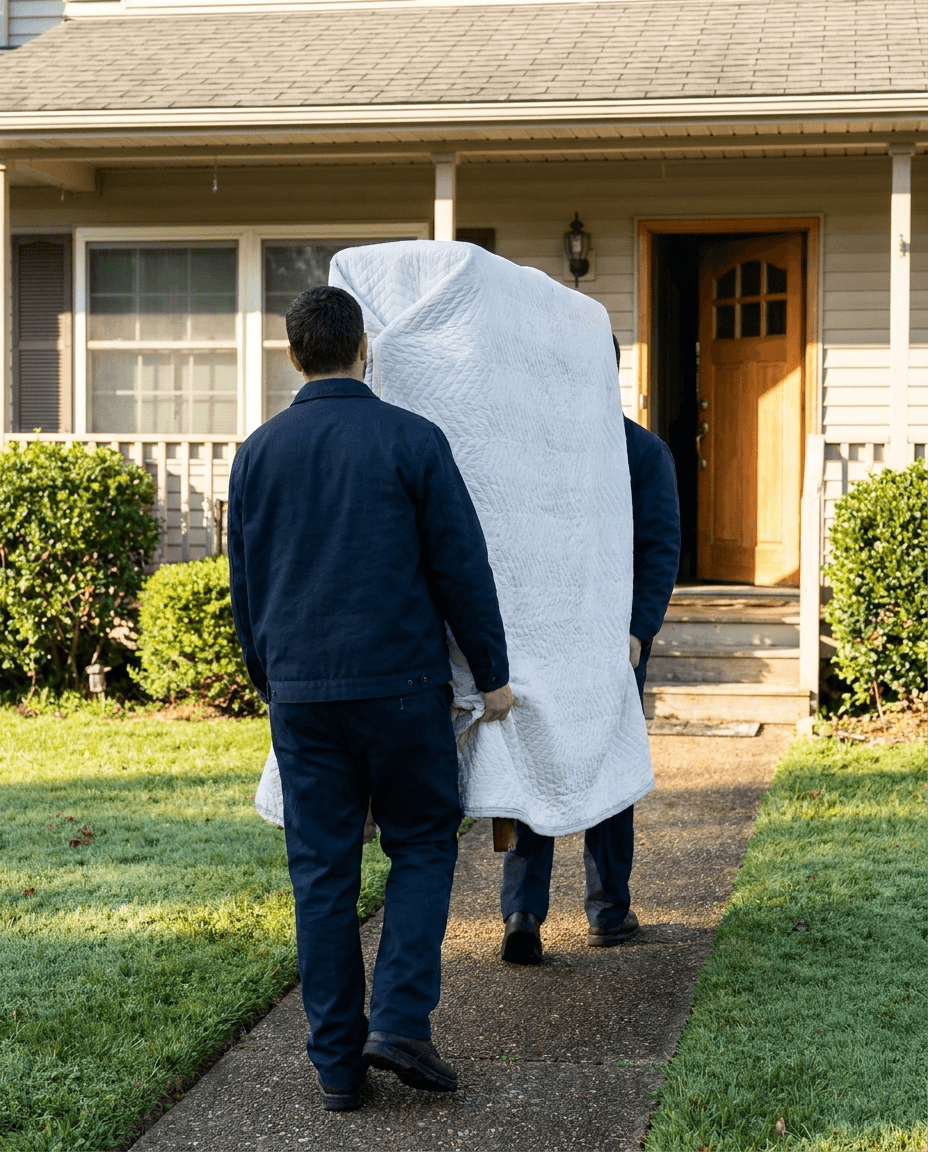
Delivery day gets built as an ordered run, not a loose list of addresses — with the assignment and the paperwork attached before the truck leaves the lot.
- Stops sequenced in delivery order, with driver and truck assignment set in advance
- Route sheets ready before the truck backs out of the lot
- The driver app captures a signature and a photo at the door — automatically attached to the order
The order isn't done when the truck leaves
Automated updates go out at every real milestone — not a generic drip campaign — and returns, exchanges, and damage claims stay attached to the order they came from.
- 1Backorder ETA update
- 2Delivery scheduling window open
- 3Out for delivery — today's stop
- 4Delivered — signature on file
- 5Review request, sent once

Watch an order move from sale to sofa
Bring one of your real special orders and see it split, tracked, delivered, and closed out — start to finish, on your catalog.